Begin in Photos
Choose a clear selfie, mirror photo, or full-body image from your iPhone photo library. Keeping one base photo makes outfit comparisons easier to interpret.
 Aidrobe
Aidrobe brings the fitting-room question to your phone: what would this actually look like on me?
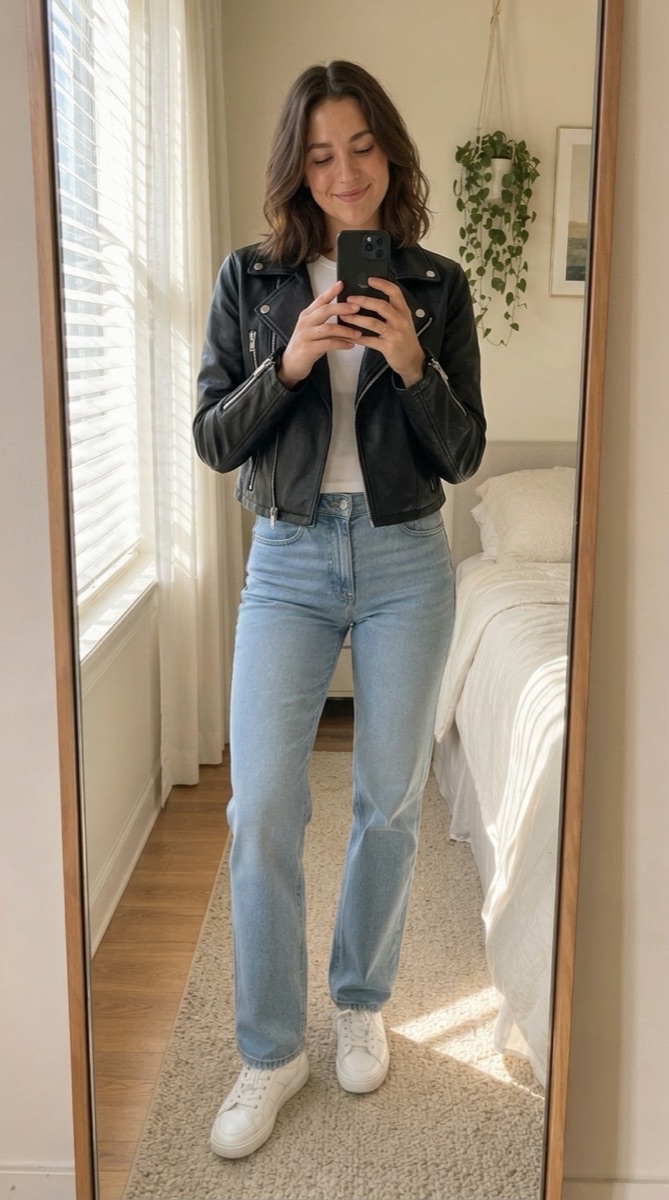
Choose a clear selfie, mirror photo, or full-body image from your iPhone photo library. Keeping one base photo makes outfit comparisons easier to interpret.
Use a shopping screenshot, saved product photo, shared image, URL, or clothing photo from your camera roll. A separate retailer integration is not required.
Generate alternatives and save the previews worth revisiting. This turns the phone into a lightweight visual decision space for shopping, packing, and event outfits.
Aidrobe is available for iPhone and iPad and currently requires iOS or iPadOS 26.0 or later. The App Store listing is the source of truth for current compatibility.
Yes. A clear screenshot that shows the clothing item can be used as an input in Aidrobe.
Yes. Aidrobe is available for both iPhone and iPad, subject to the operating-system requirements shown in the App Store.
Move from screenshot to personal outfit preview without changing devices.
Open Aidrobe on the App Store