
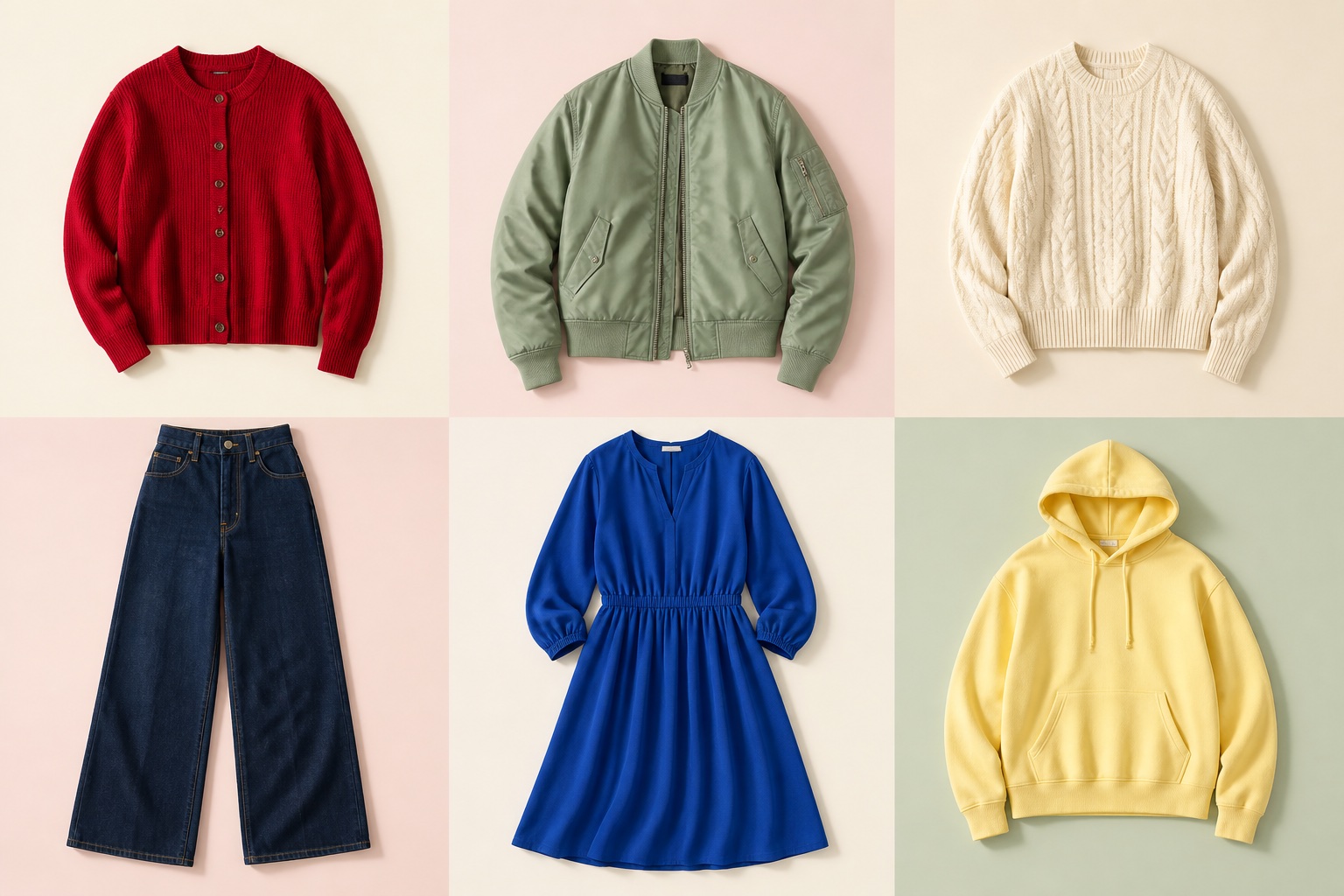
Start with pieces that suit the moment
Browse collections built around your country, favorite brands, and the kind of clothing you want.
Find it. Try it. Love it.
Find pieces picked for your taste and country. See how they look on you. Buy only what feels right.
Try a few looks for free. Love one? Visit the brand to buy it.
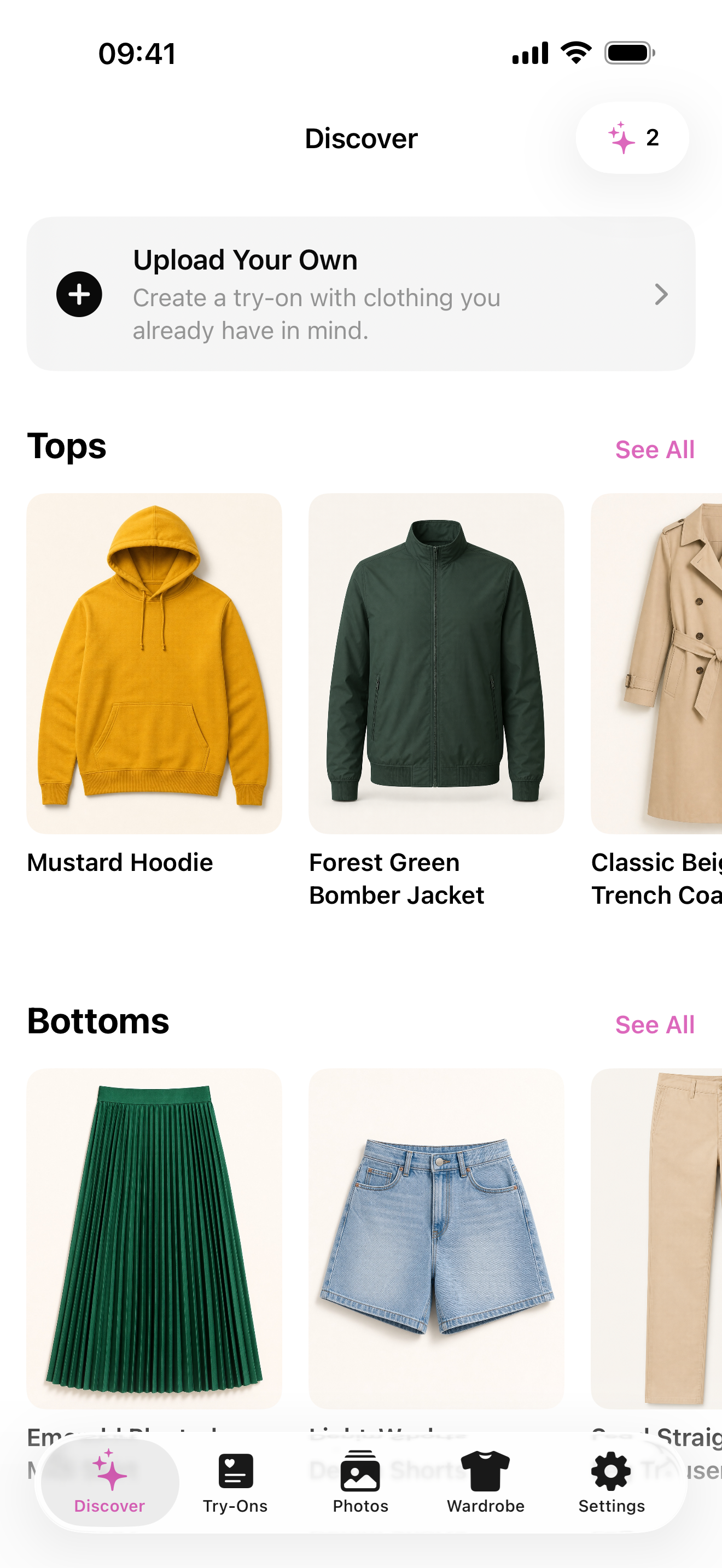
Your next favorite piece
Browse brand collections, hoodies, swimwear, and other pieces chosen for your country and preferences.
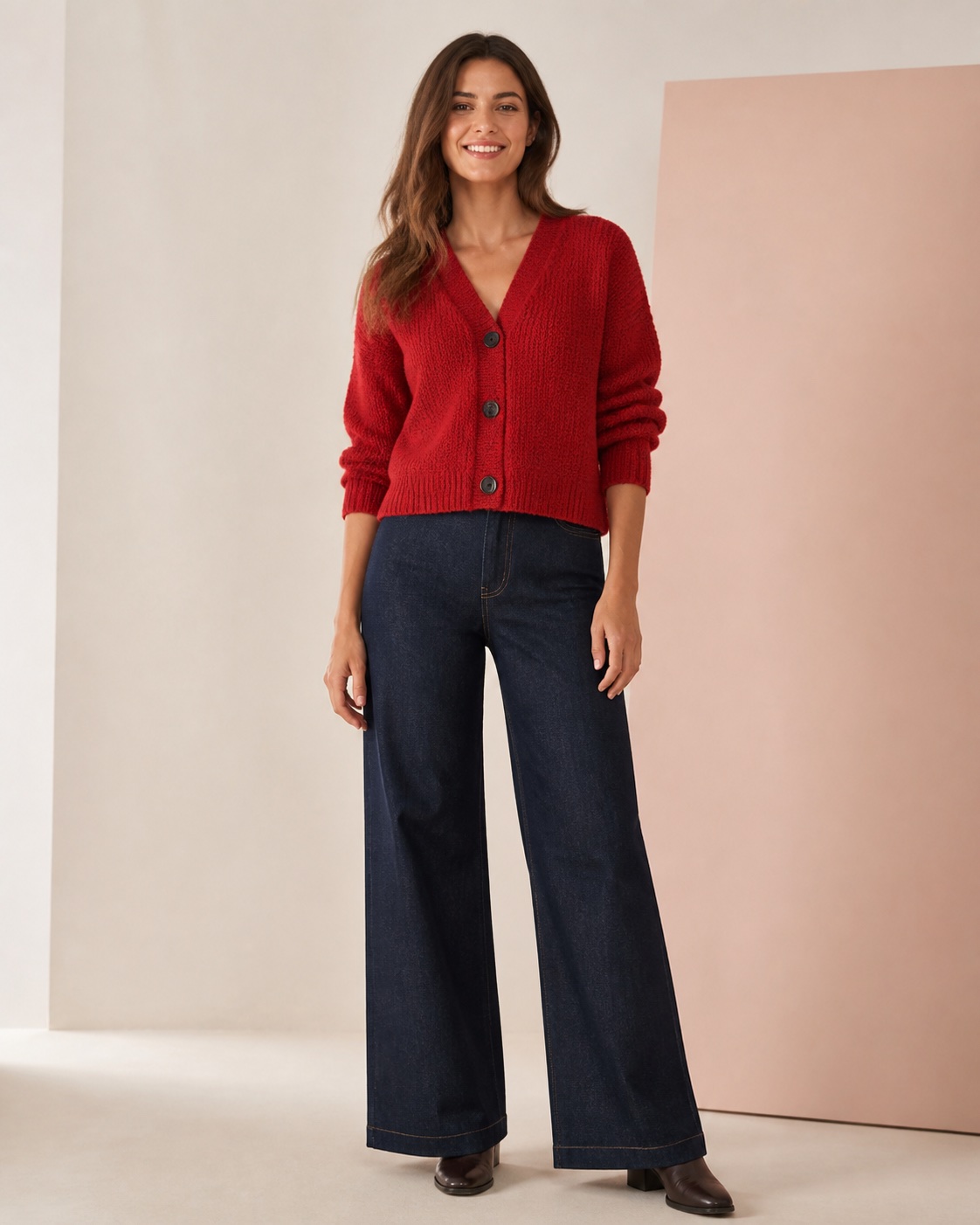
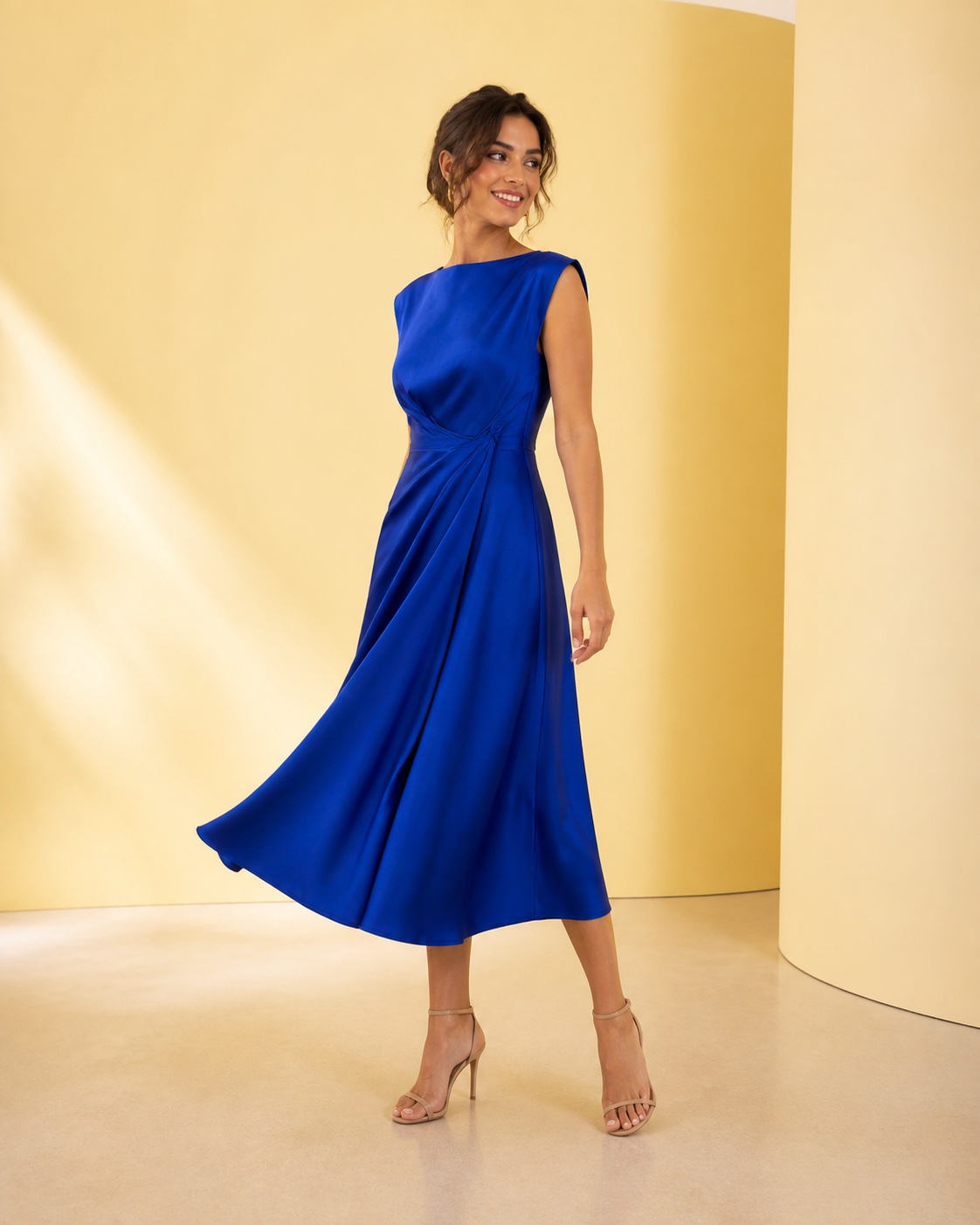
One simple journey
Find a piece that suits the moment, see it on yourself, and buy it only if it feels right.
Browse collections built around your country, favorite brands, and the kind of clothing you want.
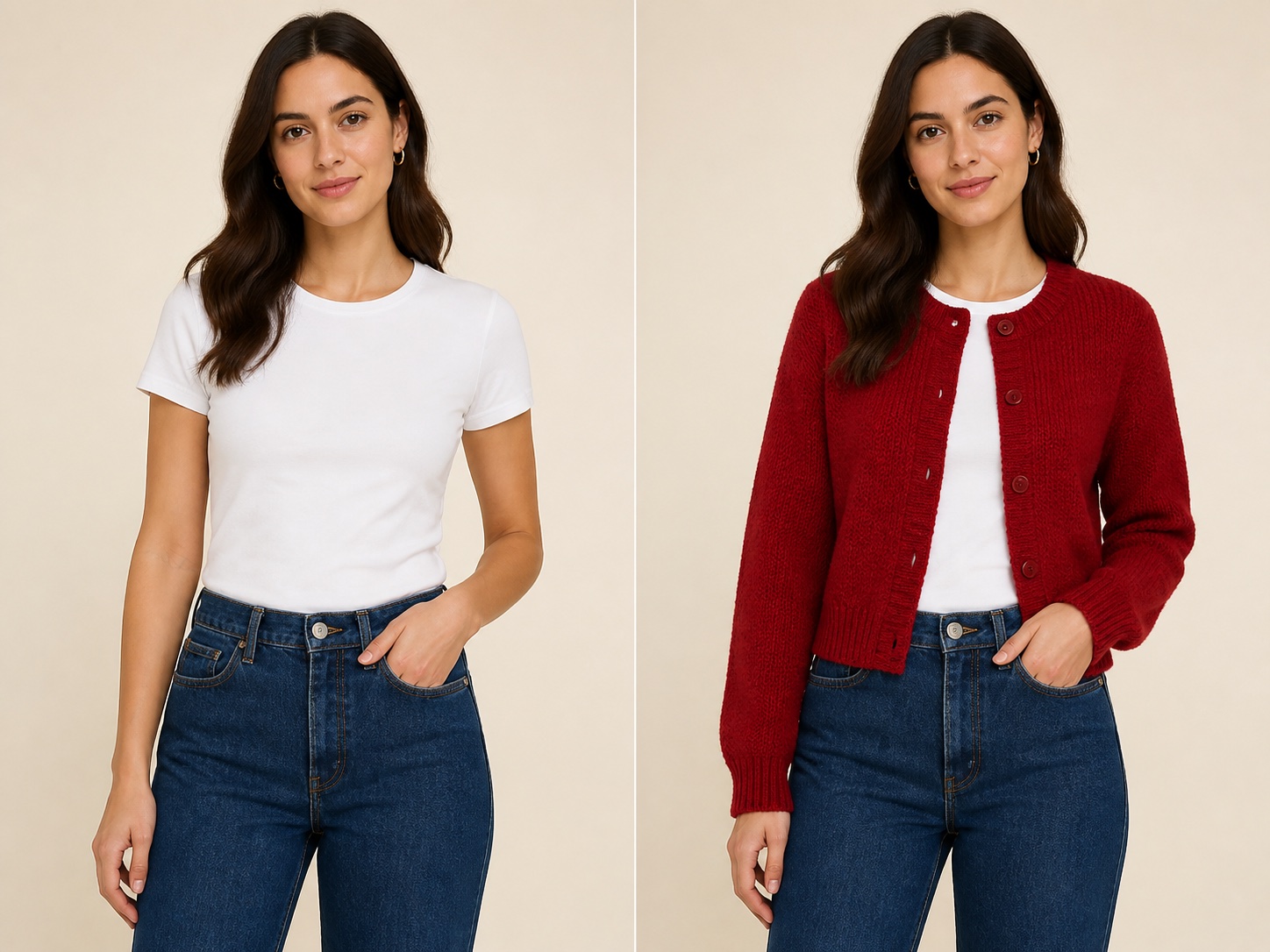 Your photo → your preview
Create a visual preview that feels more personal than a product photo alone.

Open the brand in your browser and check its price, sizing, delivery, and returns before buying.
Less scrolling. Better choices.
Start with a shorter list, see each piece on yourself, and buy only when it feels right.
Fewer tabs
Start with a shortlist shaped around what you want now.
Right for now
Find pieces that suit your taste, country, and plans.
On your photo
See the piece on yourself before you place an order.
Your decision
Check the brand's price, sizing, delivery, and returns before you decide.
Made for where you are
Aidrobe shows clothes and offers selected for your country.

A better time to try
Some promoted items come with an offer worth noticing. Availability and terms can change, so the brand's website always has the final details.
For clothing brands
Whether your brand is established or just starting out, you can reach relevant shoppers in Aidrobe. Choose your countries and audiences, and we will handle the onboarding.

Useful before you shop
Practical guides help you decide what to wear or buy, then turn that advice into a virtual try-on.
How to prepare strong inputs and compare clothing ideas on your photo.
Read the answer What to wearBuild a polished outfit that feels credible, comfortable, and like you.
Plan the outfit Packing guidePack fewer pieces that work harder together and feel right for the trip.
Build your capsuleClear before you begin
Open Aidrobe, choose a piece from Discover or add an image of a clothing item, select your photo, and create a virtual try-on. If you like a promoted retail item, Aidrobe can take you to the brand's website to buy it.
No. Aidrobe does not process clothing purchases. When a retail item is available to buy, the app opens the brand's or retailer's website in your browser so you can complete the purchase there.
Yes. There are always free items available to try on. Optional Aidrobe plans and credit prices are shown in the app and handled through Apple's App Store.
Discover combines brand collections, country-specific picks, and clothing categories such as hoodies and swimwear, based on the preferences you share.
Your next look is closer
Start with the free items in Aidrobe, then explore more whenever it feels useful.