See the styling direction
An AI virtual try-on creates a visual preview from your photo and a clothing image. It is useful for comparing color, silhouette, layers, and the overall direction of a look before you buy or get dressed.
 Aidrobe
Aidrobe lets you upload a photo, add clothing from any store or camera roll, and generate a realistic outfit preview in about 30 seconds.
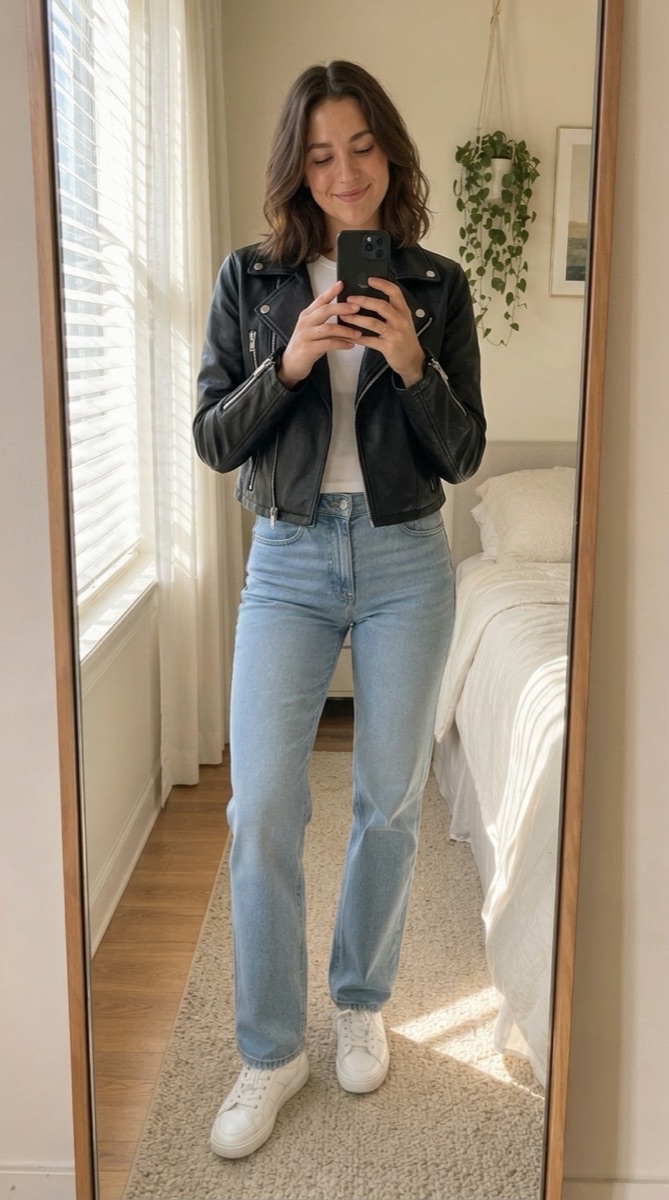
An AI virtual try-on creates a visual preview from your photo and a clothing image. It is useful for comparing color, silhouette, layers, and the overall direction of a look before you buy or get dressed.
Aidrobe works with screenshots, product photos, shared images, URLs, and camera-roll images. It does not depend on a retailer maintaining a dedicated virtual fitting-room integration.
The pages below go deeper into five different decisions: choosing an app, using an iPhone, preparing a photo, importing clothes from retailers, and building complete outfits.
It combines a person’s photo with one or more clothing images so you can compare styling directions.
Keep the base photo consistent and compare one meaningful change at a time, such as color, jacket shape, layering, or a different complete outfit.
Start with a clear photo and a real clothing image, then compare the visual possibilities before deciding.
Try Aidrobe free