Choose a clear base photo
Use a selfie, mirror photo, or full-body image where you are easy to see. A photo that clearly shows the pose and the relevant part of the body gives the preview better visual context.
 Aidrobe
Upload a clear photo of yourself, add a clothing image, and Aidrobe creates a realistic preview of the outfit on you in about 30 seconds.
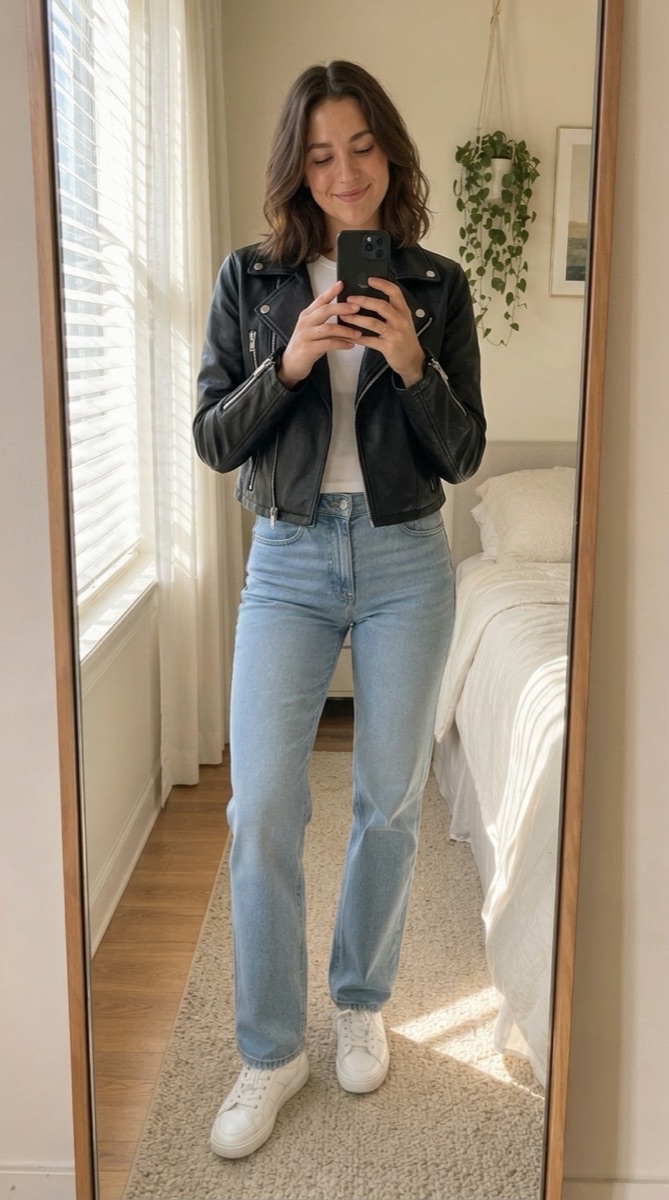
Use a selfie, mirror photo, or full-body image where you are easy to see. A photo that clearly shows the pose and the relevant part of the body gives the preview better visual context.
Product photos and screenshots work best when the garment is visible and not covered by interface elements, text, or other products. Crop unnecessary clutter when practical.
Use the same personal photo when comparing colors or alternatives. Changing both the person photo and the clothing at once makes the results harder to compare.
Use the result to compare colors, styling, and silhouettes with the same base photo.
Not always. Choose a photo that clearly includes the area relevant to the clothing you want to evaluate. A full outfit generally benefits from a photo showing more of the body.
Yes, provided you and the relevant part of the outfit are clearly visible.
Keeping the person and pose consistent makes it easier to focus on the clothing change rather than differences between two base photos.
Keep the base image consistent, then test the clothing alternatives that matter.
Try Aidrobe free